 Association of Otolaryngologists of India, Andhra Pradesh
Member Portal — User Guide
Log in, view your dashboard & profile, and download your Certificate & ID Card
Portal: https://aoiap.org/login
- Logging in (and forgot password)
- Your dashboard
- My Profile
- Edit your profile
- Upload your photo (required for the ID card)
- Generate & download your Certificate
- Generate & download your ID Card
- Change your password
- Notifications & Service Requests
1Logging in
- Open
https://aoiap.org/loginin your browser. - Enter your Username — use any one of: your Membership Number (e.g.
LM0733), your registered Mobile Number, or your registered Email. - Enter your Password — this is your registered mobile number (10 digits).
- Click Login.
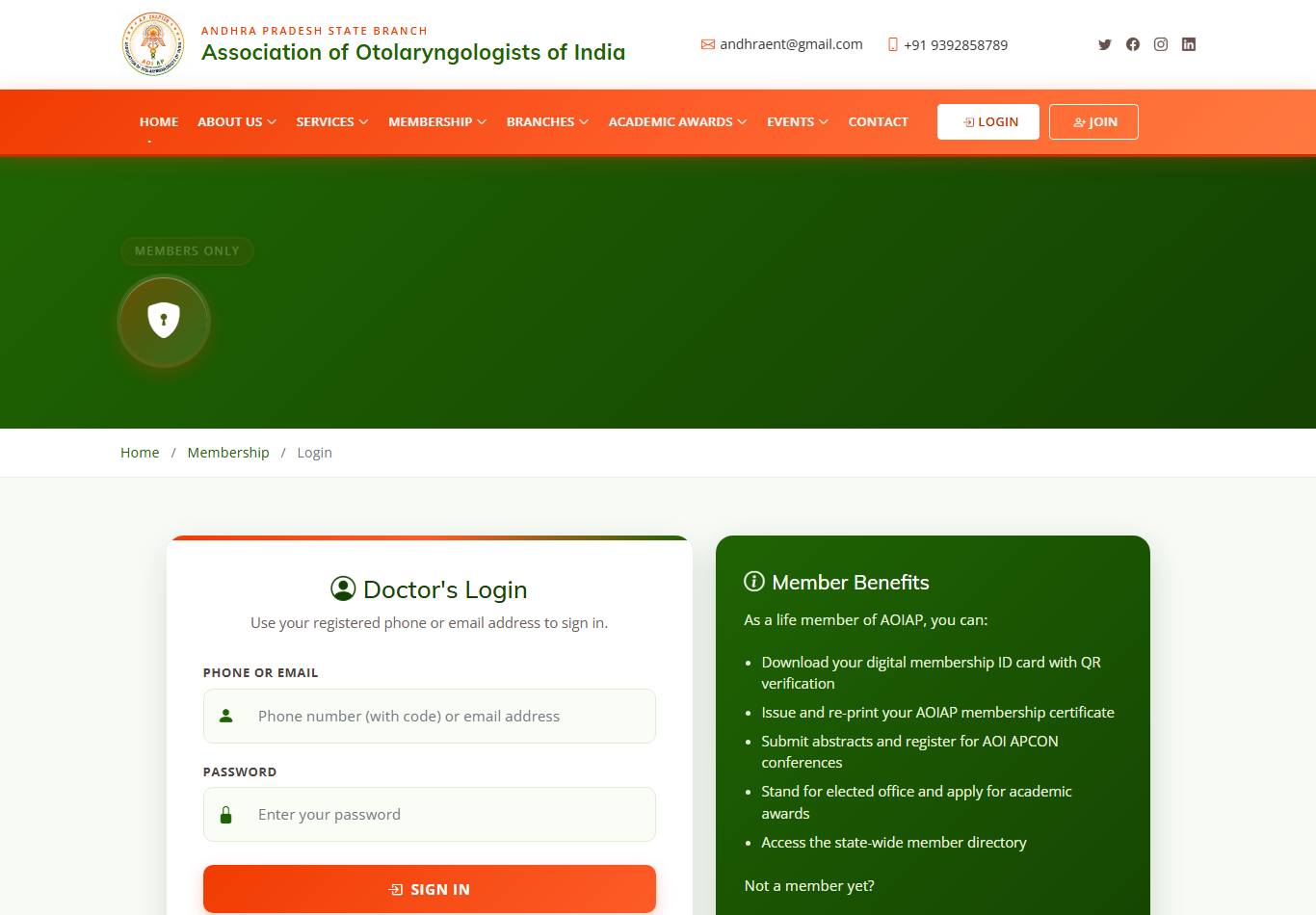
The member login page
2Your dashboard
After logging in you'll see your dashboard: a welcome banner with your photo, name, membership number and status, plus quick-access tiles and a left-hand menu.
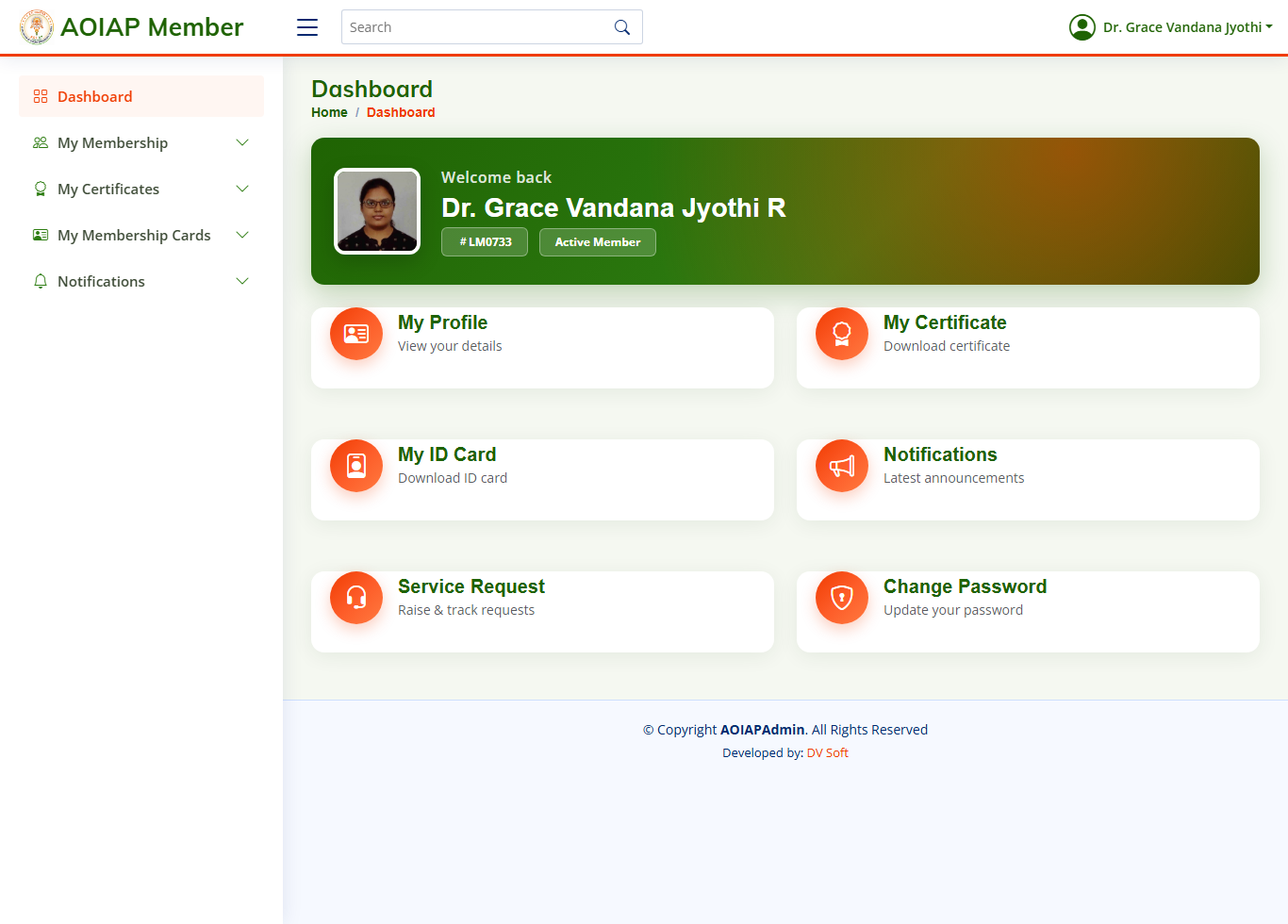
The member dashboard — quick links to Profile, Certificate, ID Card, Notifications, Service Request and Change Password
3My Profile
Click My Profile (tile) or menu → My Membership to view your full details — membership number, name, mobile, email, address, institute and more. From here you can also open Edit Profile or Change Password.
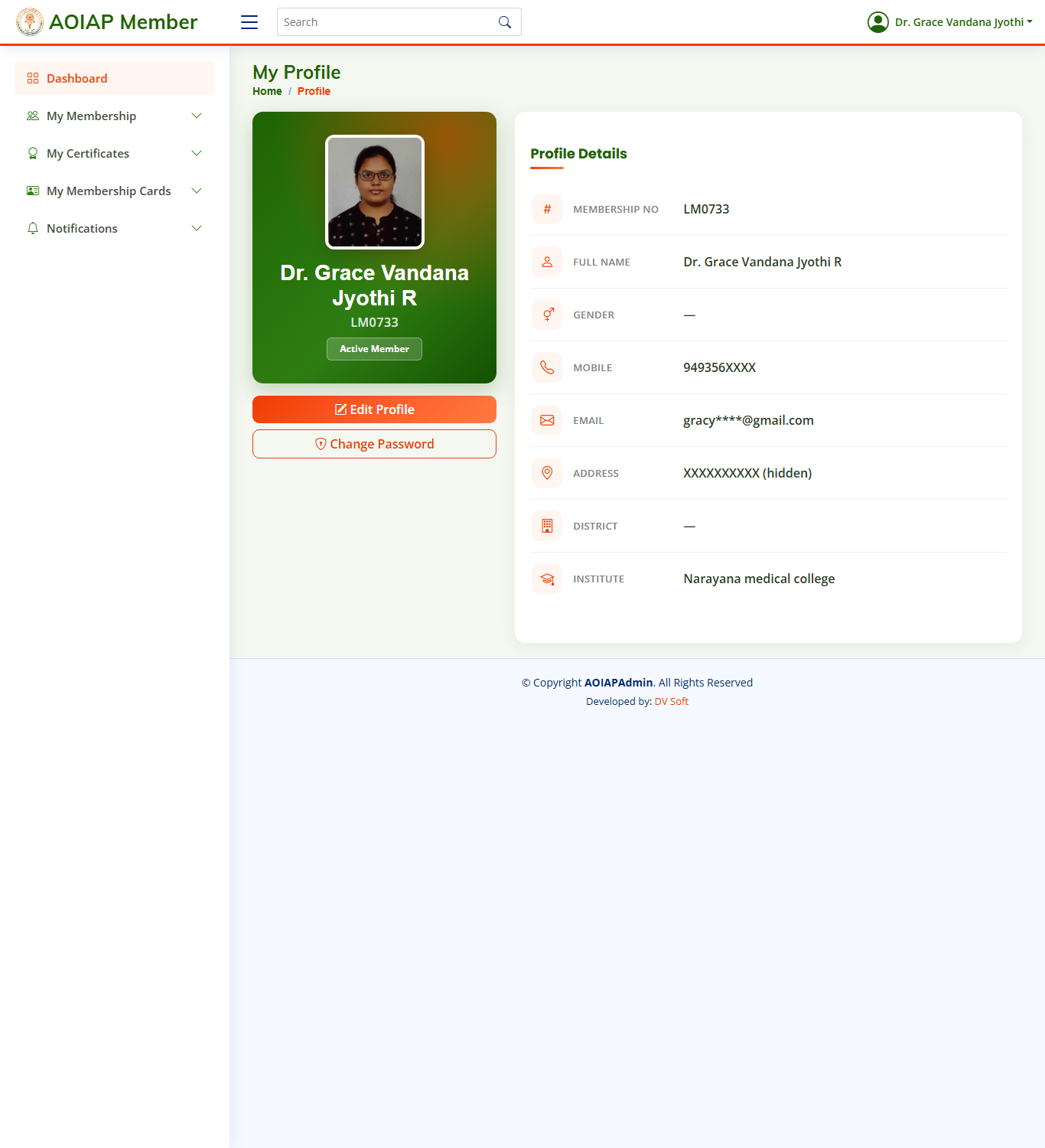
Your profile page
4Edit your profile
- On the profile page, click Edit Profile.
- Update your details across the sections — Personal Details, Contact Details, Education, and Medical Council Registration.
- Click Update Now to save.
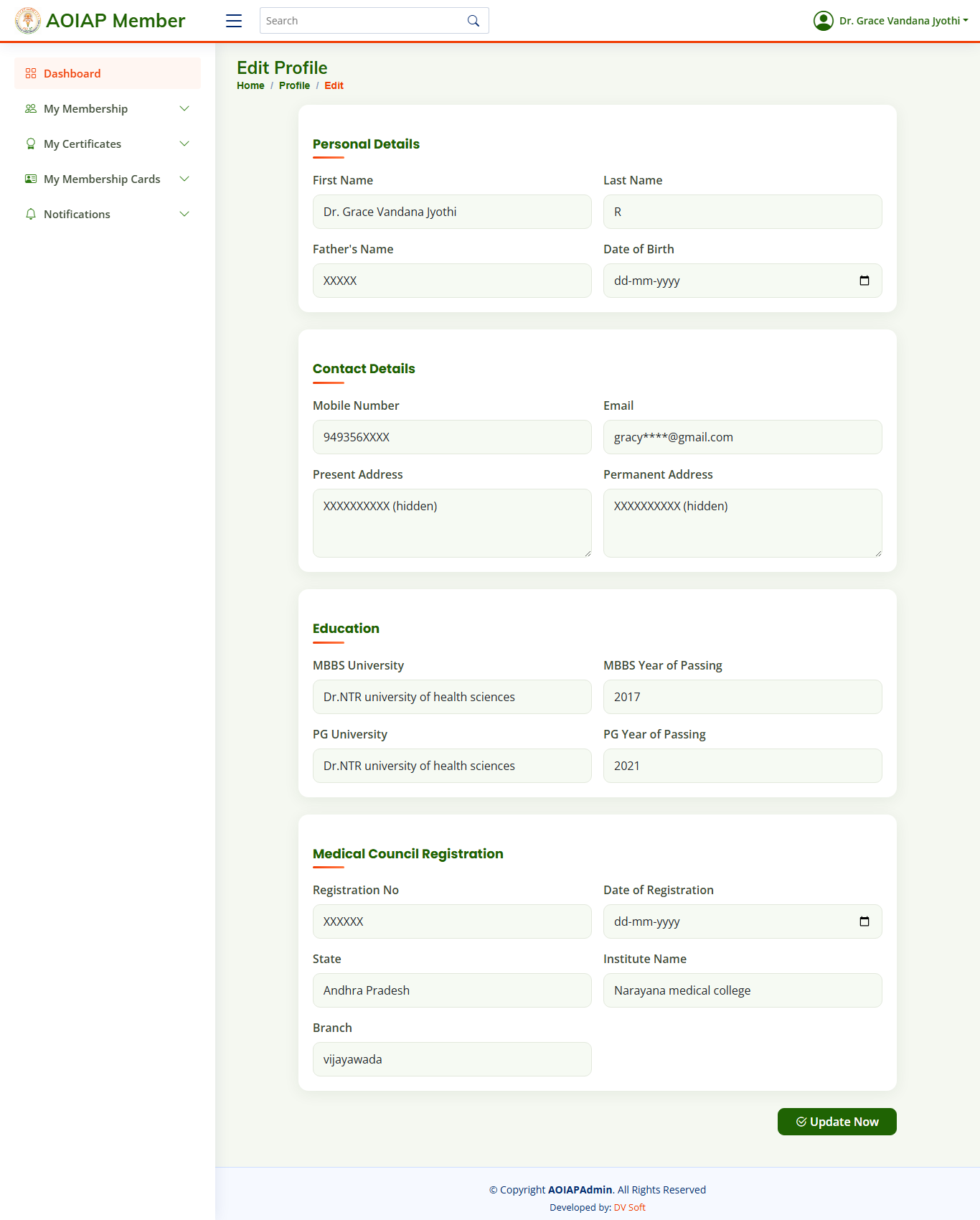
The edit-profile form — update your details and click “Update Now”
5Upload your photo (required for the ID card)
Your photo is printed on your ID card, so it must be on file before you can generate the card.
- Open My ID Card (dashboard tile, or menu → My Membership Cards).
- If no photo is on file you'll see an upload box.
- Choose a passport-size photo (JPG / PNG / WEBP) and click Upload Photo.
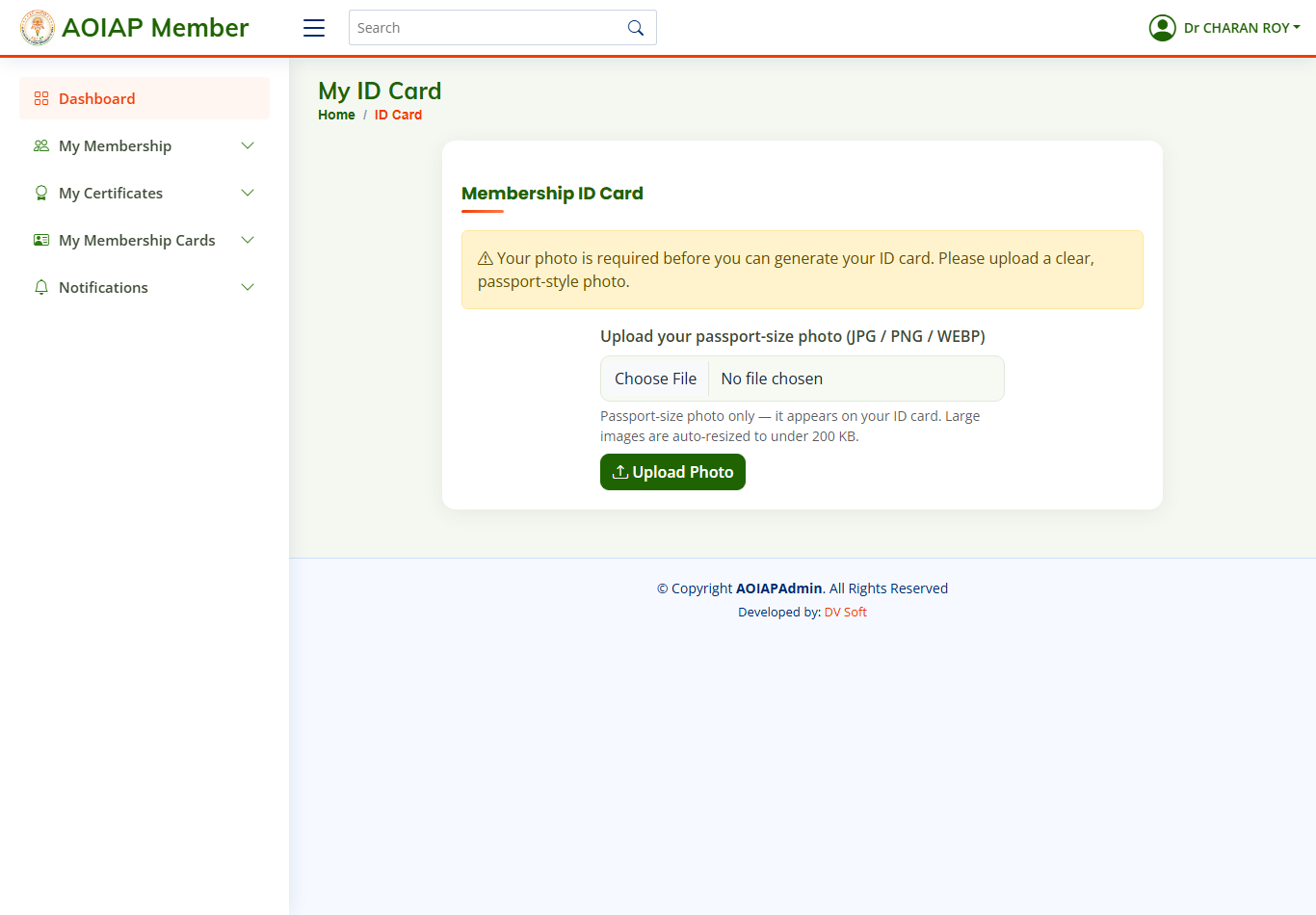
If your photo is missing, upload a passport-size photo first
6Generate & download your Certificate
- Click My Certificate (tile) or menu → My Certificates.
- Click Generate / Refresh My Certificate.
- Wait a moment, then click Download to save it.
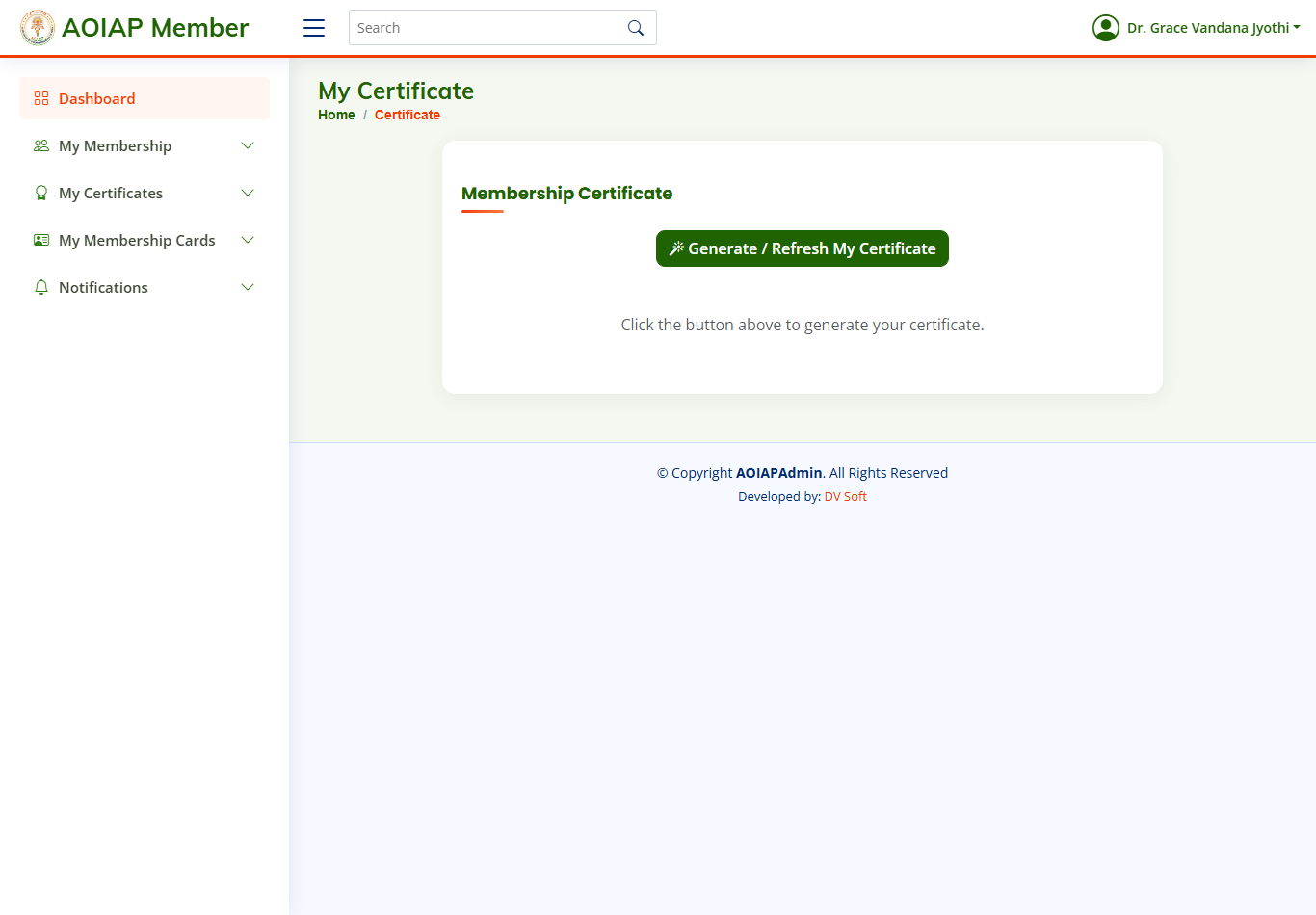
The certificate page — click “Generate / Refresh My Certificate”, then Download
What your certificate looks like:

Example of a generated Life Member certificate
7Generate & download your ID Card
- Make sure your photo is uploaded (Section 5).
- Click My ID Card (tile) or menu → My Membership Cards.
- Click Generate / Refresh My Card, then Download Card.
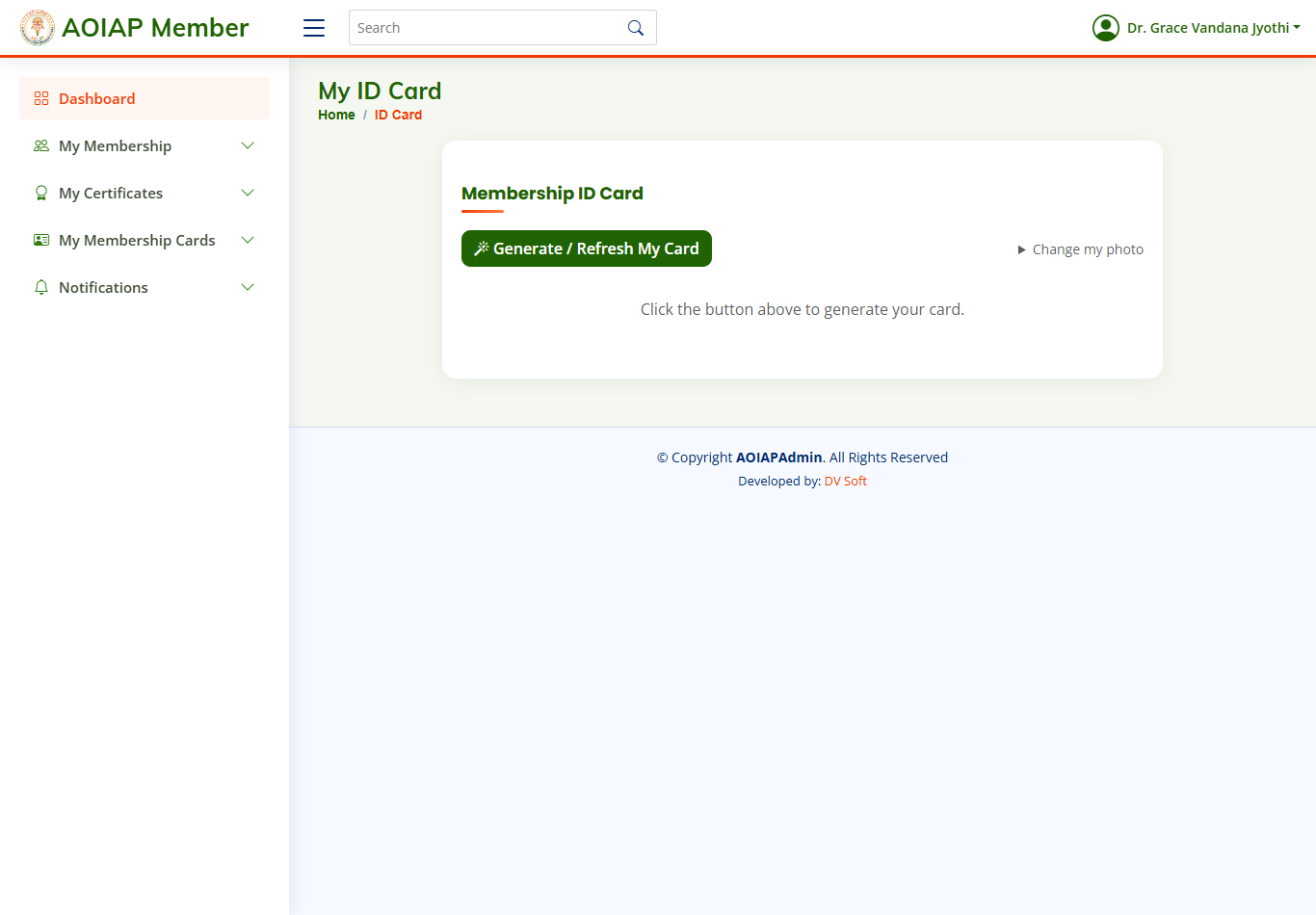
The ID-card page — click “Generate / Refresh My Card”, then Download
What your ID card looks like:
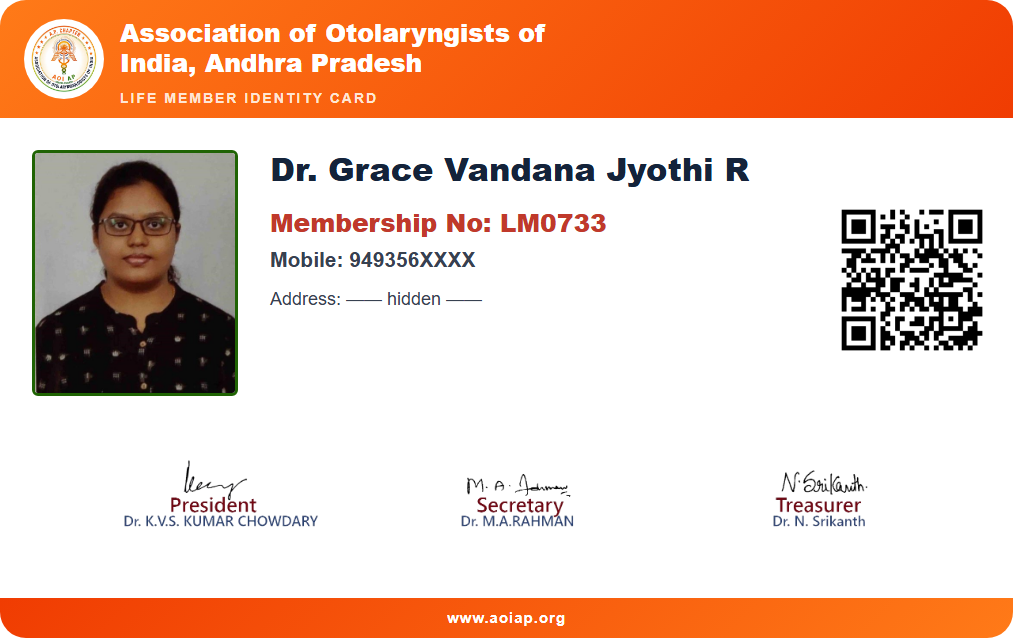
Example of a generated credit-card-size membership ID card (photo, membership number & QR)
https://aoiap.org/member.php?lm=<your-number>, confirming you are a verified AOIAP Life Member.8Change your password
- Click Change Password (tile) or open it from the profile page.
- Enter and confirm your new password, then save.
- Use the new password the next time you log in.
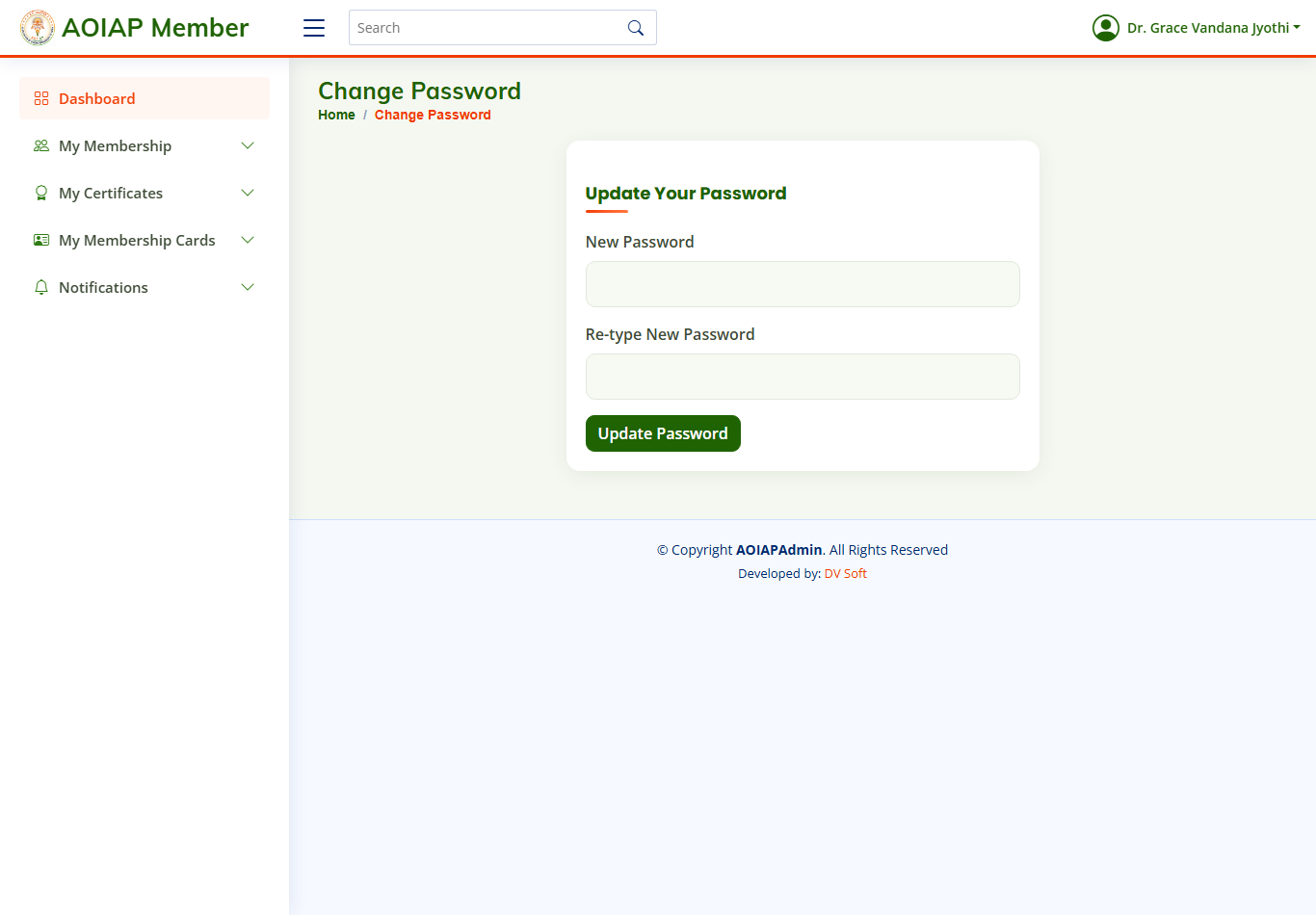
The change-password page
9Notifications & Service Requests
Notifications — view announcements published by the AOIAP office.
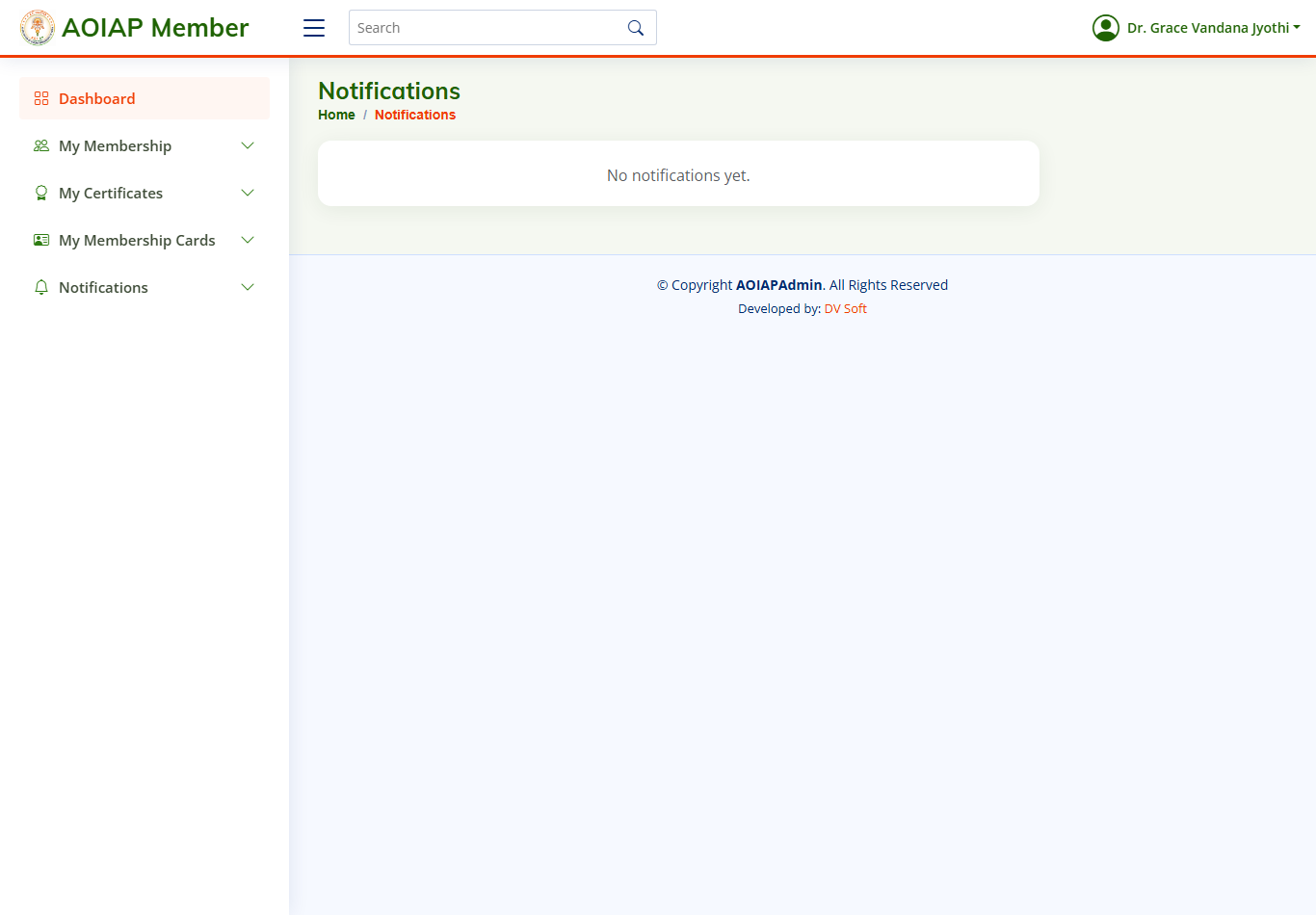
Notifications from the AOIAP office
Service Request — submit a query/request to the office and track the reply.
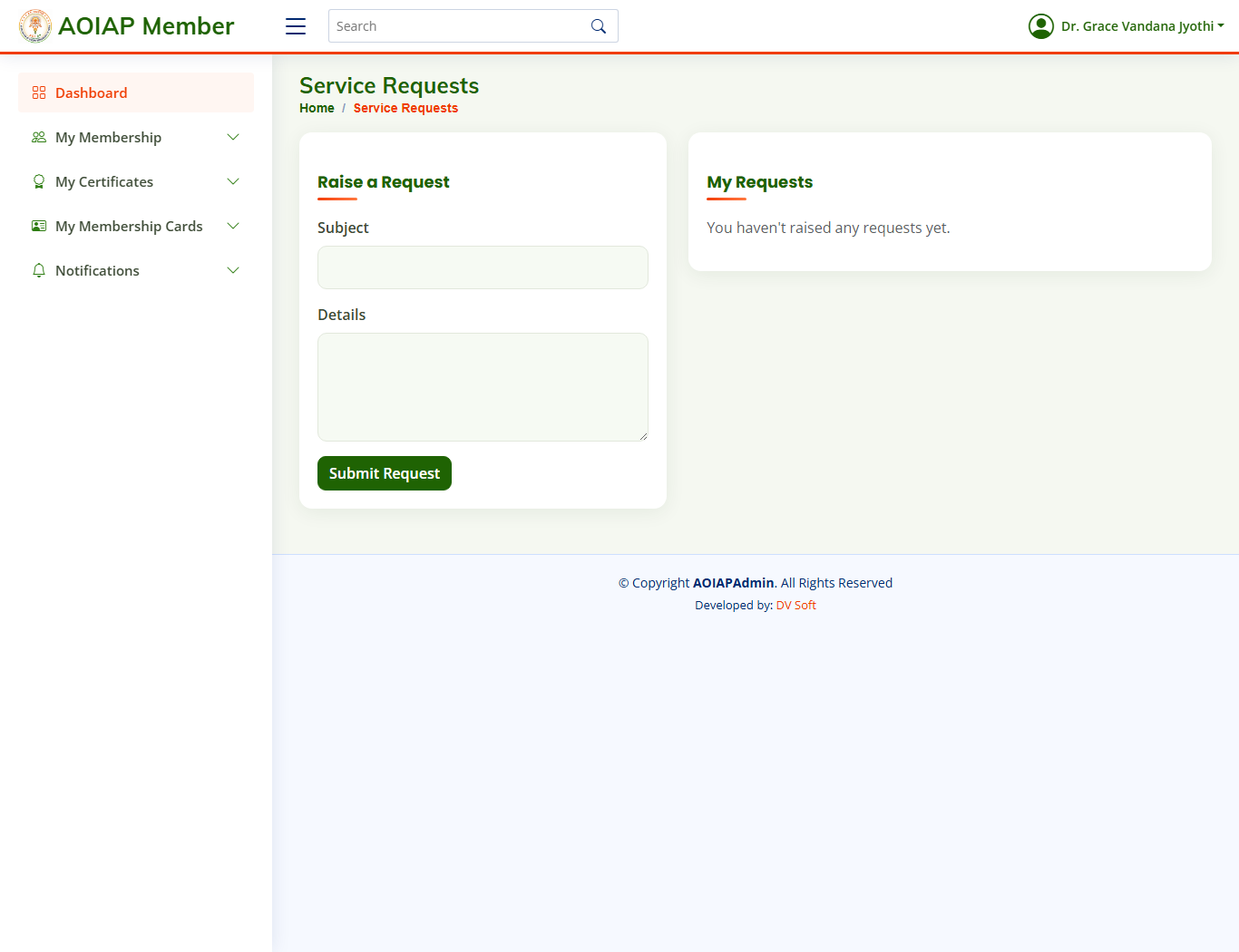
Raise and track a service request